
Portfolio
Kalem Operations and a business website demo
Explore an internal system first, then a standalone business website for the same fictional joinery workshop. Both are labelled Vorion concepts, not client projects.
Demonstration study
Kalem Operations — from inquiry to installation
Interactive Vorion concept — not a client project. The company and data are invented.
Business problem
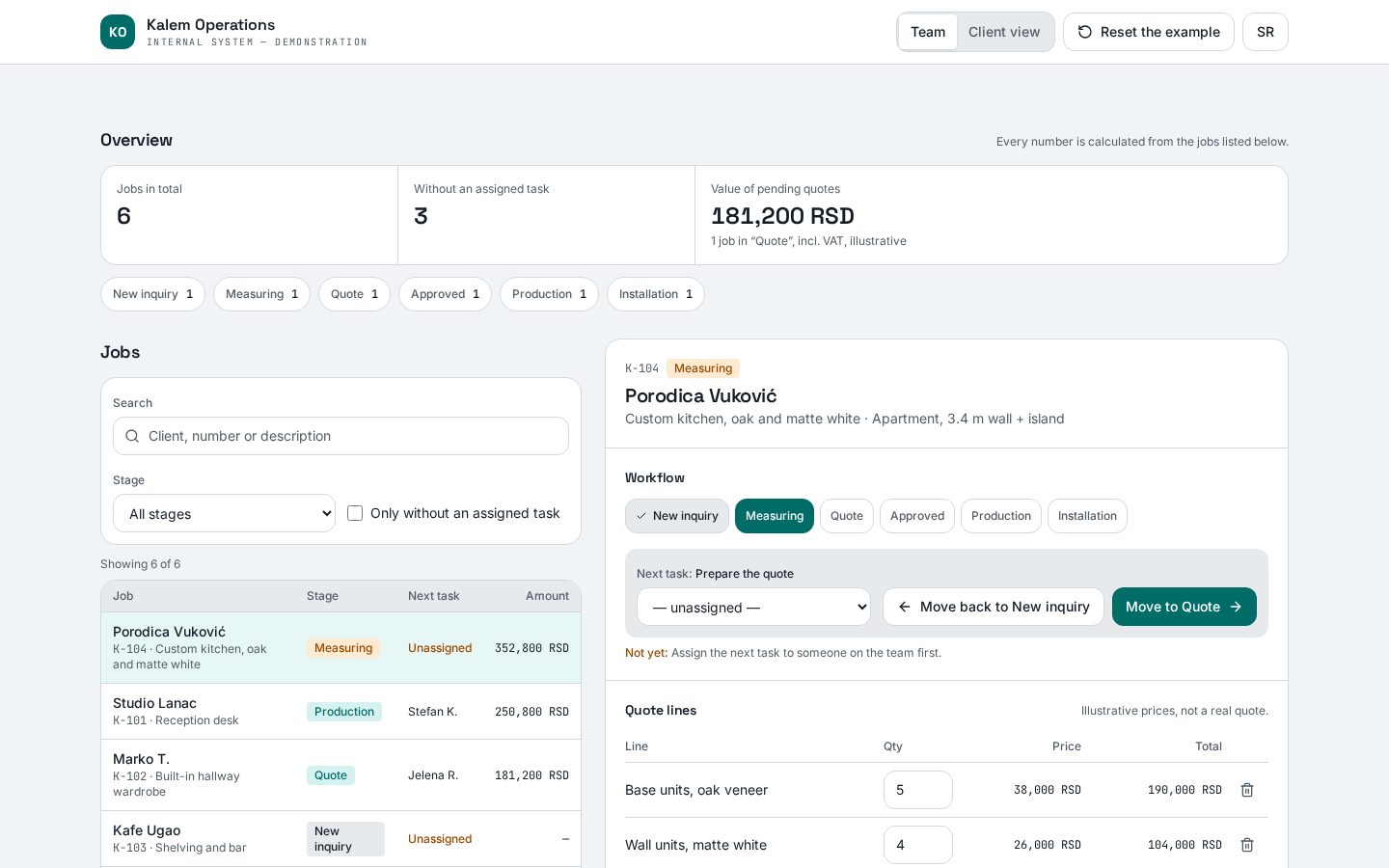
A custom workshop tracks inquiries, measuring, quotes and production through messages and spreadsheets. It's hard to see whose turn it is, what pending quotes are worth and what the client knows.
A flow you can walk through
- 01Open an invented inquiry for a custom kitchen
- 02Complete the quote — total and VAT recalculate
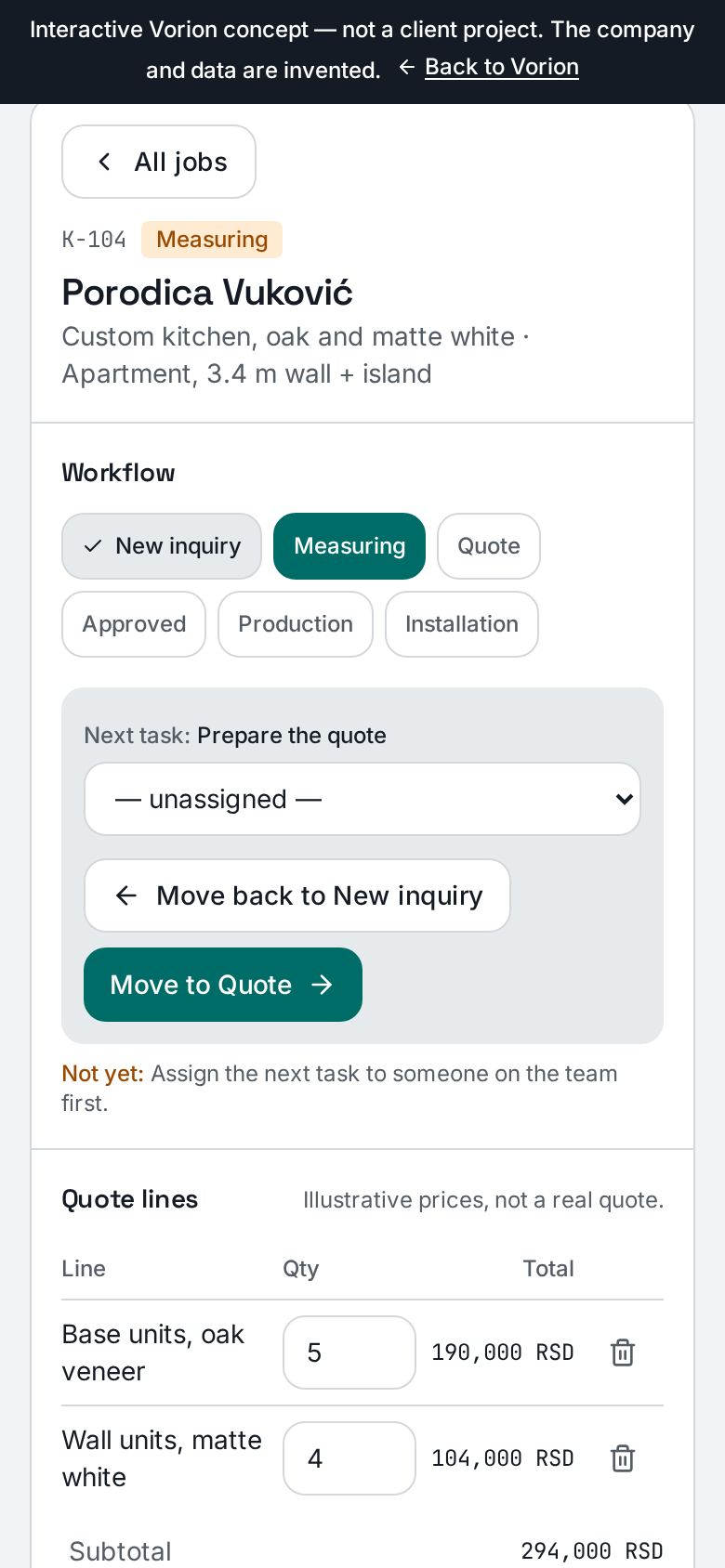
- 03Assign the task and move the job through stages; an illogical move is blocked with an explanation
- 04In the client view, see the same status, next step and a sample quote, and approve it
- 05Reset the example
You can try this in the demo
- Job list with search and filters
- Summary numbers calculated from the listed jobs
- Quote lines with input validation
- Stage transition rules
- Two views of the same data (team and client)
- Comments, change history, SR/EN
Simulated in the demo
- Data exists only in the browser and disappears after a reload
- The “Client view” is not a login or access control
- The sample quote is an on-screen view, not a PDF
- Prepared K-107/K-108 inquiries transfer from the Kalem website in-browser only; its real form sends no email and there is no persistent integration
Possible features of a real project
None of this is built in the demo; listed only as the possible scope of a real project.
- Login and role-based access
- Database and permanent storage
- Automatic client notifications
- PDF quotes and document versions
- Connecting the website form
Concept
Kalem — business website demo
Vorion concept / demo — not a client project
- Invented brief
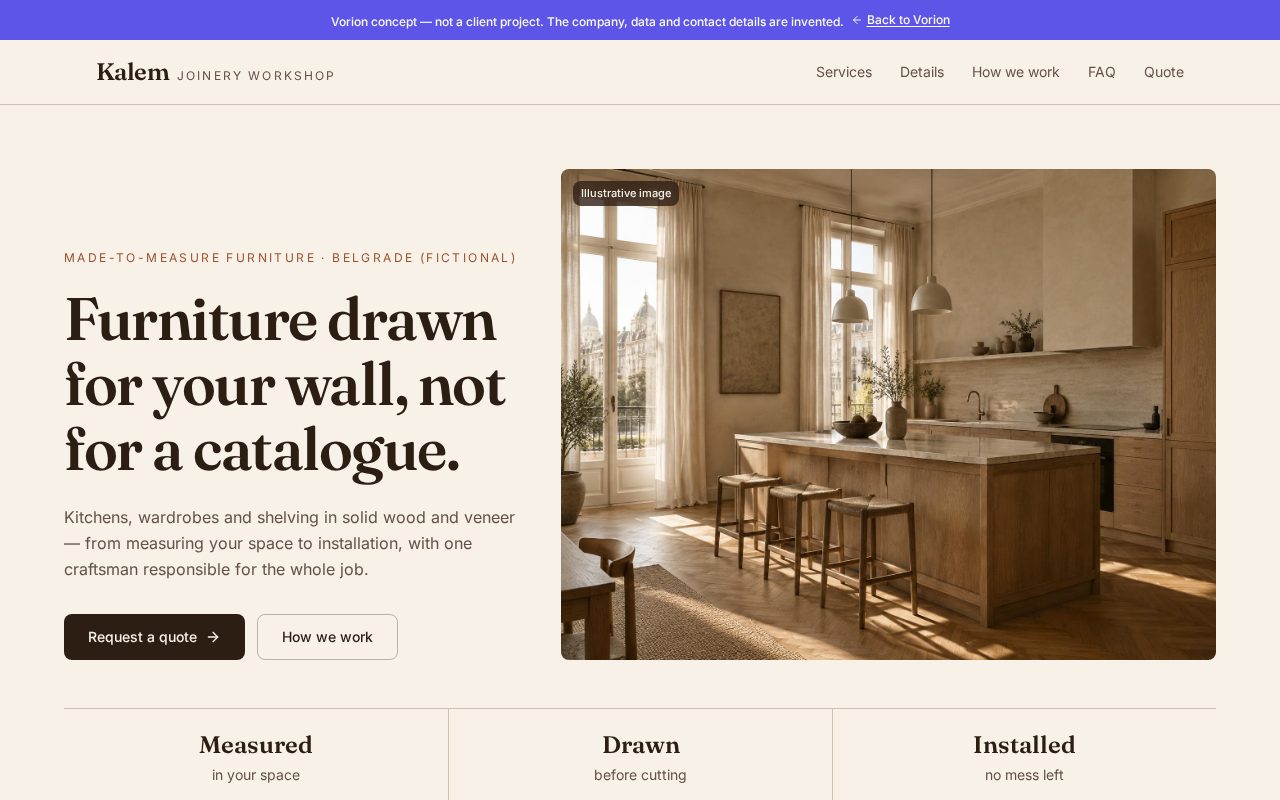
- A small joinery workshop wants fewer vague inquiries and more requests that already include the room, rough dimensions and type of piece.
- Visitor's goal
- Understand within a minute what Kalem makes, how the work runs and how to ask for a quote.
- Design decisions
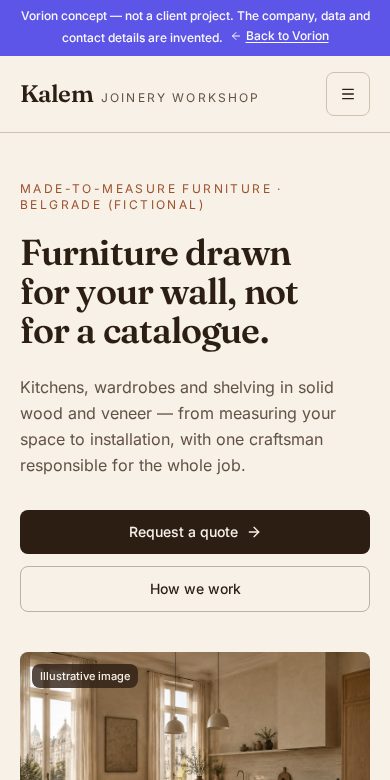
- A warm wood and linen palette with a serif for headings, separate from Vorion; few, clearly labelled illustrative images; a short page ending in a quote form.
- Inquiry flow
- On the demo site you pick a prepared, invented inquiry (K-107 or K-108) and open it in Operativa, where it appears as a new job to measure, quote and approve.
- Re-approval rule
- If an approved quote changes, Operativa opens a new version that needs a new client approval; the old approval stays only as history.
- Really works
- Responsive layout, mobile menu, local form validation and error states, prepared K-107/K-108 scenario handover to Operativa, SR/EN switching.
- Simulated
- The Kalem form does not send real inquiries or email. Scenario handover is browser-only, not a persistent integration; no real names or emails are collected. No business results are claimed.
A website or a system — tell us what you need
Send a short inquiry. We reply by email with questions or a first recommendation, and arrange a conversation if it helps.
- A concrete recommendation, not a sales pitch
- A reply by email, a call only if useful
- No obligation to continue